
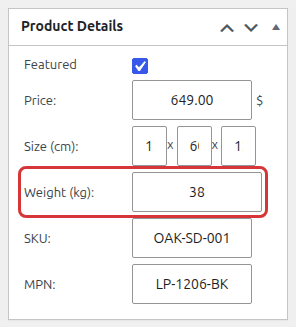
Each product can have the weight defined. The weight field appears inside the product details box on product add/edit screen:
Set Catalog Weight Unit
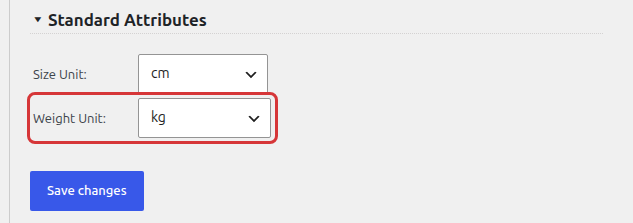
In order to change the weight unit go to the Products > Settings > Attributes. The weight unit option is available in the Standard Attributes section below the attributes table. Choose kg, g, lbs or oz (default: kg):
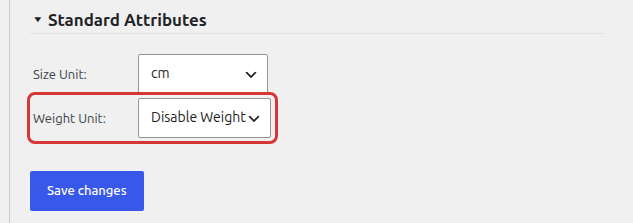
You can also disable the weight feature completely. In order to achieve it go to the Products > Settings > Attributes and switch the Weight Unit option to Disable Weight.
A filled weight is shown on the product page. Use the [product_weight] shortcode to display it anywhere. See also Product Size and Product Attributes.