
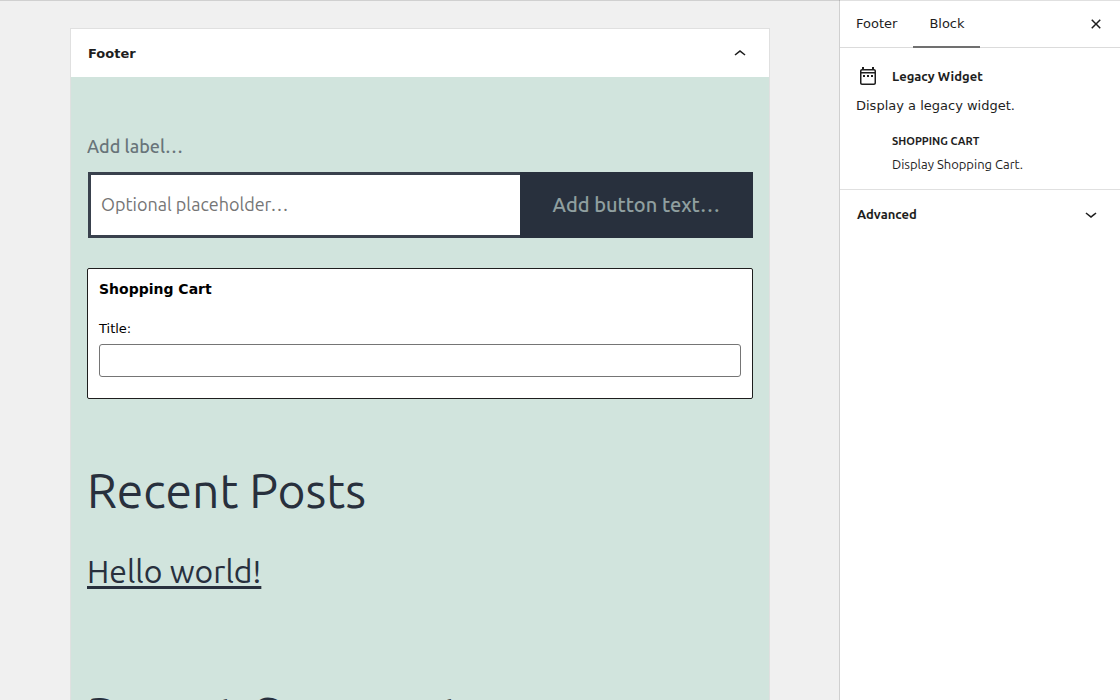
The Shopping Cart widget is available in the Web Store mode. Add it to any of your registered widget areas in Appearance > Widgets. The output shows the shopping cart button with the number of products added to the cart. You can set an optional widget title.
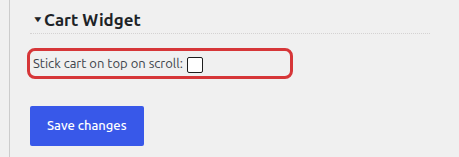
To keep the cart visible while visitors scroll the page, check Stick cart on top on scroll in the Cart Widget section of Products > Settings > General Settings > Shopping Cart.
You can also show the same cart button anywhere with the [cart_button] shortcode. See Shopping Cart Shortcodes. In the Inquiry Catalog mode, see Quote Cart Widget.