
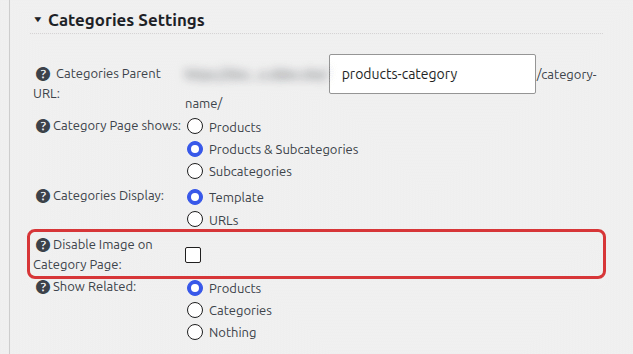
You can disable the category image display on the category page in Products > Settings > General Settings.
You will find the Disable Image on Category Page checkbox in the Categories Settings section:
When the image is disabled, it is still used on category listings. You set the category image on the category edit screen, see Product Categories.