
This feature is a part of Custom Product Order. Click here to see all Custom Product Order features.
Ordering products randomly is as simple as switching a radio button.
To do it please go to Product Settings. On the general settings you will find Product Order section.
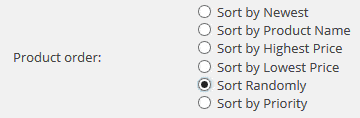
To enable random product order just swich to Sort Randomly option. That’s it!